One plan for files and copy
The generated plan keeps product pages, cover prompts, title, description, keywords, attributes, and packaging together.
Digital download listing generator
Create digital product listings with titles, tags, descriptions, cover images, product files, and ZIP packaging from one editable plan.
What is a digital download listing generator?
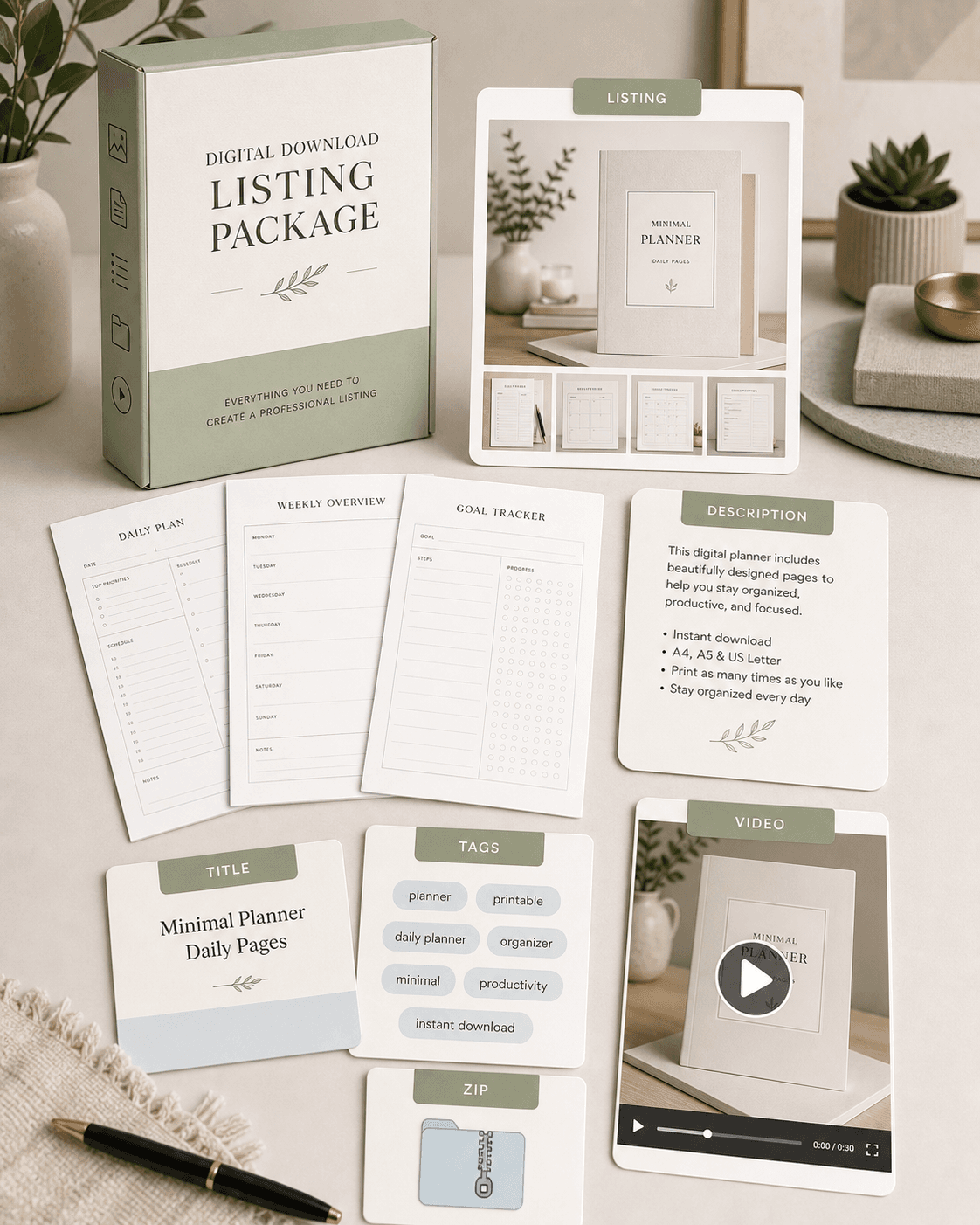
A digital download listing generator drafts the full listing payload — title, tags, description, product images, cover, and the downloadable files — from a single product idea. The seller reviews and edits every field before uploading the listing to their own marketplace shop.
The problem
Most shops design files in one tool, write copy in another, and re-export covers somewhere else. By the time the listing goes live, the description, file count, and cover often disagree with each other.
Why sellers use it
The generated plan keeps product pages, cover prompts, title, description, keywords, attributes, and packaging together.
DigiProdify does not publish directly. It gives sellers a coherent package they can inspect, edit, download, and upload themselves.
Workflow
Give the planner the niche, product type, audience, and style.
Pages, covers, title, tags, description, and attributes live in one editable plan.
Use advisory checks to improve title, tags, description, and attributes.
Download files and listing draft details for your own workflow.
Example use cases
Common mistakes
AI drafts are a starting point. Always read the title, description, and tag list and confirm the files match before you upload.
Buyers want to know exactly what they get. The description should name page counts, formats (PDF, JPG), and page sizes (US Letter, A4).
A weak cover hurts click-through more than any other field. Use the cover prompt and listing video to make the listing stand out.
Questions
The first workflow supports printable party games and wall art bundles.
No. The output is designed to be reviewed and edited by the seller before marketplace upload.
Plan files and copy together, then download a packaged listing kit ready for seller review.
DigiProdify is independent and is not affiliated with, endorsed by, or sponsored by Google, Gemini, Nano Banana, Google Veo, Etsy, OpenAI, or any third-party AI provider or marketplace. AI-generated outputs are provided for user review before publishing.